
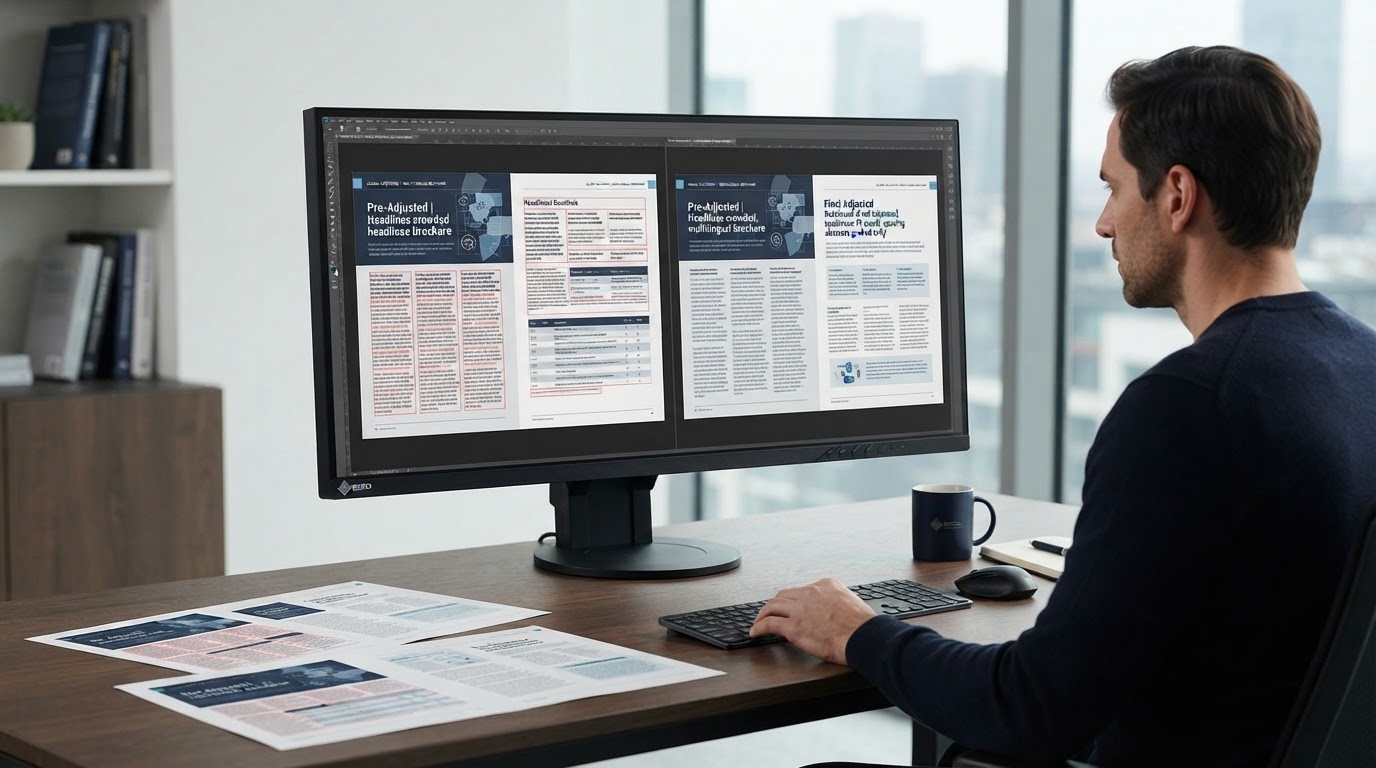
A translated document can contain accurate language and still need substantial production work before delivery. When English source text is replaced by Spanish, German, French, or another target language, the original page geometry may no longer accommodate headings, tables, labels, and footnotes. Post-translation DTP is the controlled process of restoring a usable, consistent layout without altering the approved translation. For translation-agency project managers, knowing what to inspect and when to schedule that work helps prevent late-stage surprises.
Why text expansion is a production issue, not a translation defect
Text length varies with language, terminology, and context. A compact English heading can require more characters in another language, while an abbreviation may expand into several words. Expansion is not a universal percentage, so applying a fixed allowance to every paragraph is unreliable. Font metrics, word breaks, punctuation, hyphenation, and writing direction also affect fit. A translated file may look acceptable at first glance while containing clipped text in a callout, an extra page that breaks references, or a table row whose final line is hidden. Conversely, a file may be visually attractive but contain excessive manual line breaks that make future edits difficult.
The goal is not to force the target language into the source’s exact line breaks. It is to preserve the document’s hierarchy, meaning, accessibility where applicable, and production requirements while allowing the text to flow naturally.
Start with the right source and target files
Before formatting, confirm which file is authoritative. Agencies may receive an editable Word source, a scanned PDF reconstructed for translation, an InDesign package, or a bilingual export from a CAT tool. Each has different risks. The final target file should be reconciled with the approved translation and any client terminology or formatting instructions. If the translation is still changing, agree on a cutoff or revision process before undertaking detailed page-by-page adjustments.
For Word, check whether styles, section breaks, tables, headers, footers, and fields survived the round trip. For InDesign, inspect the packaged project, linked graphics, available fonts, paragraph and character styles, and the exported IDML or INDD handoff. An IDML file alone does not guarantee that fonts and artwork are available. The IDML translation preflight checklist explains the upstream checks that make later multilingual layout more predictable.
Use styles and reflow before manual spacing
The first repair should usually be structural. In Word, adjust the relevant paragraph or table styles, column widths, cell margins, and pagination settings instead of inserting spaces or repeated returns. Verify that headings remain with the paragraphs they introduce and that tables do not split inappropriately across pages. In InDesign, review text-frame dimensions, threading, baseline and paragraph settings, and overset indicators. Make changes to styles when a repeated problem affects multiple pages, then inspect exceptions individually.
Reducing type size can solve a local fit problem, but it should not be the default response to expansion. A smaller font may undermine readability or violate a client’s template. Better options include modestly widening a text frame, changing a column ratio, adjusting permitted spacing, or allowing a controlled page break. Record any material deviation from the source layout for approval.
Check tables, charts, and numerical relationships
Tables require more than visual alignment. A longer translated column heading may wrap onto two lines and increase row height, which can shift the entire table. Keep data in the correct row and column, preserve merged-cell relationships, and confirm that footnotes still refer to the right values. Do not silently round numbers, change decimal separators, or convert units during DTP. Those decisions belong to the approved language and technical specifications.
For charts and diagrams, identify whether labels are editable text, embedded in an image, or part of a linked graphic. Replace labels only from the approved translation, then verify that arrows, legends, axis titles, and callout leaders still point to the intended elements. When an image contains flattened source-language text, ask for editable artwork or an authorized recreation path rather than covering text with improvised overlays.
A practical multilingual layout review sequence
A reliable review moves from document-wide structure to individual pages. First compare page count, sections, orientation, margins, and recurring components. Next inspect all headings, callouts, tables, figure captions, headers, footers, and references for overflow or unexpected movement. Then review line breaks, hyphenation, widows and orphans, list indentation, and text-frame boundaries. Finally compare the output PDF against the editable target file and check the full document at readable magnification, not only thumbnails.
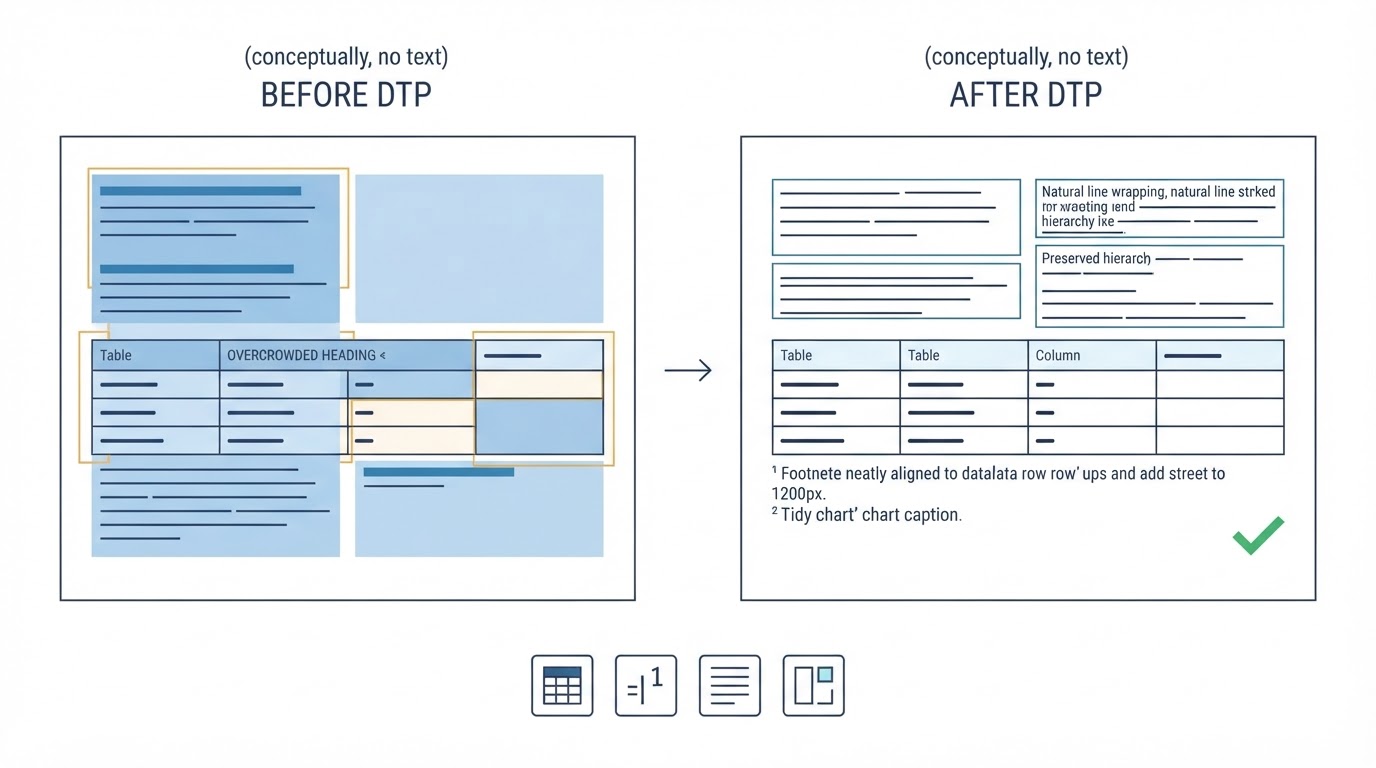
Automated checks can flag overset text, missing fonts, broken links, or suspiciously empty cells, but they cannot determine whether a diagram label points to the correct process step. Human visual review remains necessary for documents with complex relationships among text, figures, and data.
Medical and pharmaceutical documents need an additional accuracy pass
Clinical reports, instructions for use, pharmacovigilance materials, and laboratory documentation often contain dense tables, superscripts, Greek letters, symbols, dosage units, and cross-references. A layout adjustment must not change their meaning. Confirm that negative signs, ranges, inequality symbols, units, footnote markers, and special characters survive font substitution and PDF export. A glyph that looks similar may not be the same character, and a wrapped unit can become detached from its value.
For regulated or client-controlled documents, follow the supplied master template, language-specific requirements, and approval workflow. Do not assume the DTP provider can authorize terminology changes or redesign safety-critical elements. Raise unclear source defects and unresolved inconsistencies rather than making interpretive corrections.
What should a project manager include in the DTP brief?
A useful handoff states the source and target languages, required final formats, whether the output must match the source pagination, and whether modest layout changes are permitted. Include the approved translation, source references, fonts and linked assets when licensed for sharing, terminology instructions, and any prior QA findings. Identify tables or diagrams that must remain editable. If multiple target languages are involved, specify whether each receives a separate localized layout or must fit a shared template.
Define acceptance criteria before production begins. For example: no overset text, no missing glyphs, stable table structures, correct figure references, approved fonts, intact hyperlinks and bookmarks where required, and a final PDF that corresponds to the editable deliverable. A clear brief reduces rework because the DTP specialist knows which visual differences are acceptable and which require escalation.
How to distinguish formatting QA from linguistic QA
DTP quality assurance checks presentation, integrity, and technical behavior. Linguistic QA checks translation accuracy, terminology, grammar, and locale conventions. The two overlap when a layout change obscures or separates meaningful text, but neither replaces the other. A DTP specialist should not silently rewrite approved translations to make them fit. Instead, flag a space constraint with the relevant page, object, and proposed options so the linguist or project manager can decide.
A final check should also confirm that the editable file is maintainable. A document assembled from hundreds of independently positioned text boxes may produce a convincing PDF but create unnecessary work at the next revision. Clean styles, logical reading order, real tables, and controlled frame threading are part of a sustainable delivery.
Build post-translation DTP into the schedule
Treat multilingual formatting as a planned production stage, not an emergency correction after translation approval. Reserve time for layout adjustment, visual QA, technical checks, and client review. Complexity matters more than page count alone: a short, diagram-heavy document can require more attention than a long report with consistent paragraph styles. Translation agencies can review the available DTP services and the white-label agency workflow when deciding which tasks to outsource.
Need a target-language document ready for delivery? Send the source and translated file specifications, language pair, and any layout constraints. Request a quote for post-translation DTP and multilingual formatting.
