
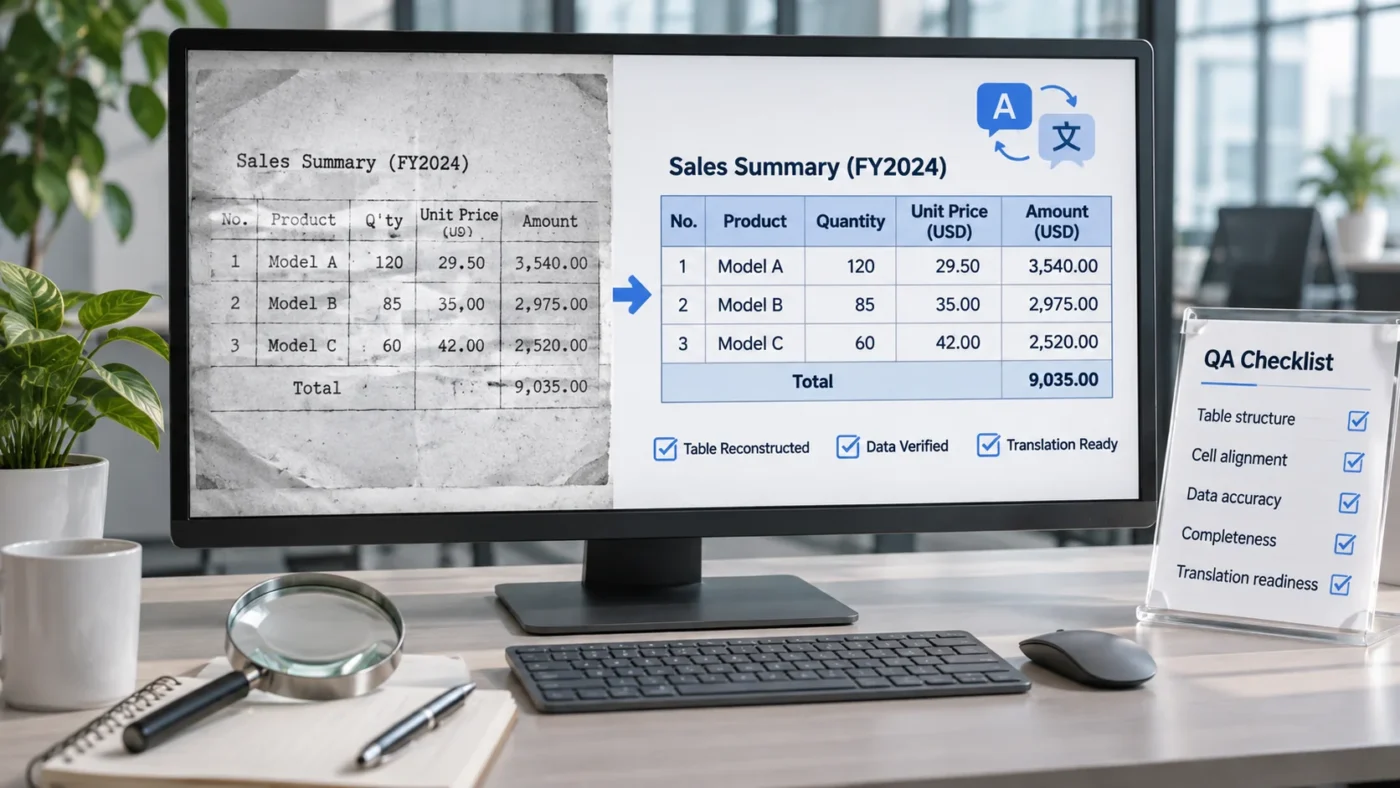
Why OCR tables need more than visual checking
A scanned table can look straightforward while containing the most consequential errors in a translation project. OCR may recognize the words but misread a decimal, attach a unit to the wrong value, flatten merged cells, or place a footnote outside the table. A PDF-to-Word conversion is therefore only the beginning. The real deliverable is an editable document that preserves meaning and can be translated, reviewed and formatted without avoidable reconstruction work. Translation-agency project managers should distinguish three separate goals: fidelity to the source, structural editability, and stable behavior in a CAT tool.
1. Define the deliverable before conversion
Confirm whether the agency needs a DOCX with genuine editable tables, a layout-faithful document, or a simpler translatable working file. Identify what is in scope: headings, captions, table cells, footnotes, symbols, legends, references and text embedded in graphics. Decide how to handle handwritten annotations, illegible values and redacted information. Agree on whether source pagination must be reproduced exactly or whether stable target-language expansion matters more. Record the chosen approach before OCR starts. A document can be visually faithful but difficult to translate if every cell is a separate text box.
2. Assess scan quality and OCR recognition
Inspect page orientation, skew, contrast, cropping, resolution and faint characters. In a numeric table, a barely visible decimal point or minus sign can change the meaning of a result. Run OCR with an appropriate recognition language and inspect suspect regions against the original image at high magnification. Do not accept automatic confidence scores as proof of accuracy. Look closely at 0/O, 1/l/I, 5/S, minus signs, superscripts, Greek characters, decimal separators and units. If a character is genuinely unreadable, flag it for clarification rather than inventing a plausible value.
3. Rebuild real Word tables
A usable DOCX should contain table cells that behave like table cells. Recreate the correct row and column structure, including merged headers, spanning cells, repeating header rows and deliberate blank cells. Preserve relationships between values and their labels. Avoid using spaces or tabs to simulate columns, and avoid a forest of floating text boxes. Those shortcuts can appear acceptable in Word while producing fragmented or misleading CAT-tool segments. Apply consistent paragraph and cell styles so translators can work with predictable content and DTP operators can manage text expansion later.
4. Verify every number, unit and relationship
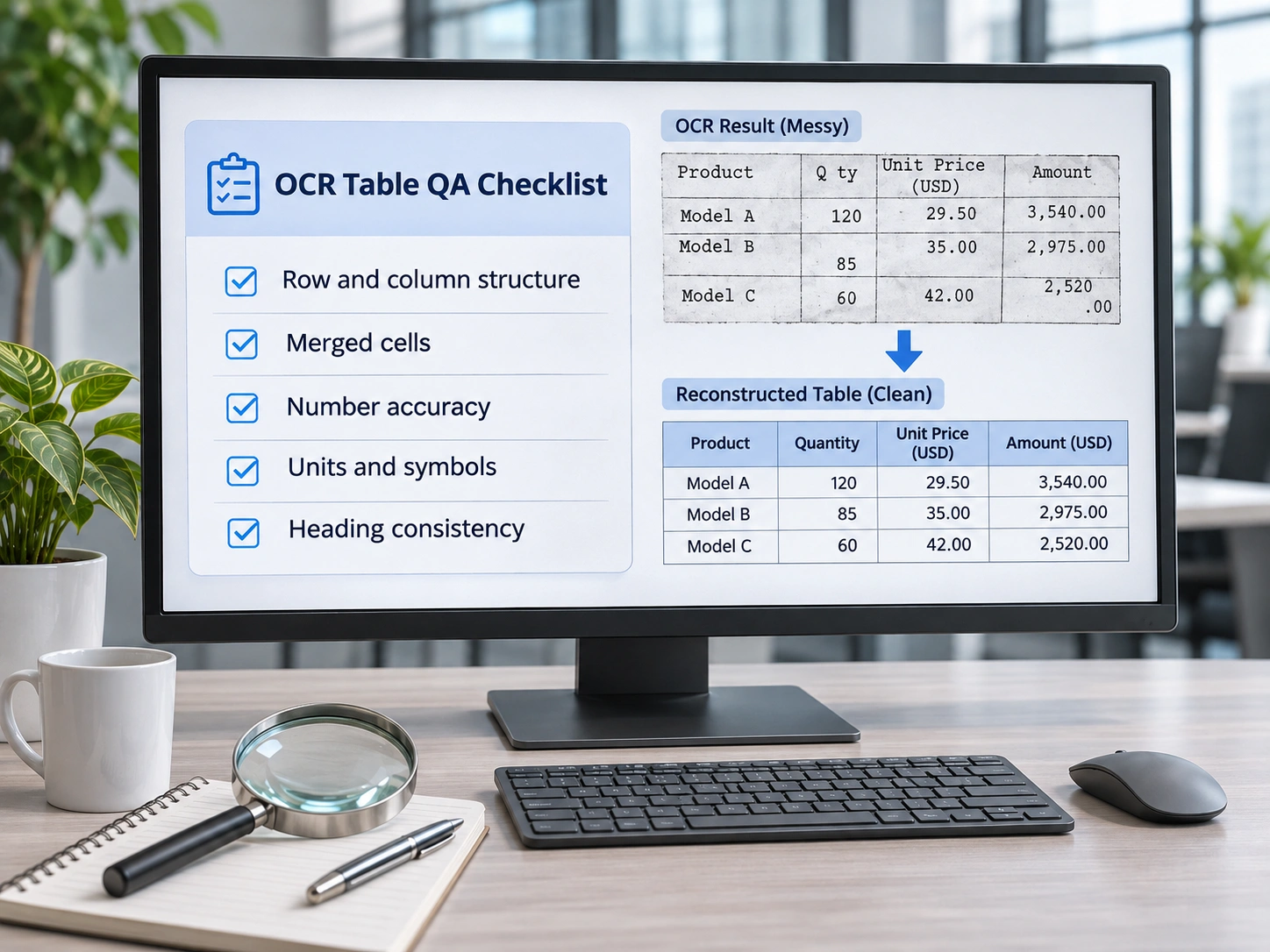
Compare each numeric entry with the source image, ideally in a separate quality-control pass from layout checking. Verify decimal points and commas, negative values, ranges, exponents, percentages, measurement units and significant digits. Confirm that a value still belongs to the correct row and column after table reconstruction. In medical and pharmaceutical material, a misplaced dose unit or concentration is not a cosmetic error. Check statistical abbreviations such as SD and their column headers, along with footnote markers and symbols. Do not silently normalize scientific notation or change source data during OCR correction.
5. Restore reading order and footnotes
OCR engines sometimes interpret multi-column pages or complex tables in the wrong order. Check the sequence in which text will be extracted into the translation environment. Table titles should precede their content; explanatory notes should remain identifiable; superscript footnote markers should correspond to the correct note. Verify whether a cell contains multiple paragraphs or a single phrase and whether line breaks are meaningful. Avoid artificial line breaks copied from the scan when they would create unnecessary segments. Preserve real structural boundaries rather than treating the PDF’s visual line wrapping as a translation unit.
6. Test the file in the intended CAT workflow
A DOCX can be fully editable yet still cause translation friction. Import a representative sample into the CAT tool used by the agency and inspect segmentation, inline tags, table order and protected elements. Check that translators see meaningful text units rather than scattered fragments and that numeric data is not unexpectedly omitted. Where possible, perform a round-trip test: create a small target-language sample, export it and inspect the resulting Word file. The purpose is not to guarantee that every target language will fit without DTP, but to detect structural problems before production begins.
7. Run separate content and layout QA passes
Content QA asks whether every character, value, unit and footnote is correct. Layout QA asks whether the document is stable, editable and readable. These should be separate checks because a visually convincing table may contain wrong data, while an accurate table may overflow after translation. Inspect borders, cell padding, merged-cell alignment, page breaks, repeating headers, captions and the placement of notes. Test longer text in representative cells, particularly where German, French or other target languages may require more space. Fixing these issues before translation is usually less disruptive than repairing them across multiple localized files.
A practical acceptance checklist for project managers
Before handing off the reconstructed file, confirm that all source pages and tables are present; OCR ambiguities have been resolved or flagged; every number and unit has been compared against the scan; merged cells and header relationships are intact; captions and footnotes are correctly associated; all required text is editable; the CAT import follows a logical reading order; and a sample round trip produces a stable DOCX. Keep the original scan available for reviewers. If a high-risk table has not been independently checked, do not describe it as verified.
When specialist pre-translation DTP is worth considering
Specialist preparation is particularly useful for scanned clinical tables, regulatory reports, dense technical specifications, multilingual forms and documents with repeated complex layouts. The decision depends on volume, risk, translation workflow and the cost of fixing problems downstream. A quick OCR conversion may be adequate for a simple internal reference; it is not automatically suitable for a multilingual deliverable. For related services, see DTP support for translation agencies. The key question is whether the reconstructed source reduces downstream effort without compromising accuracy.
Request a quote for CAT-ready table reconstruction
Need accurate, editable tables prepared for translation? Send a representative, non-confidential sample and describe the required output format, languages, volume and deadlines. We can assess the document reconstruction requirements and prepare a quotation. Request a Quote.
